Zero IT involvement
User runs shft on both Macs. IT gets the migration log. No tickets, no white-glove sessions, no remote desktop.
Mac → Mac migration
shft moves everything from the old Mac to the new one. Apps, preferences, dev environment, data. IT gets a migration log. Users get a ready Mac.
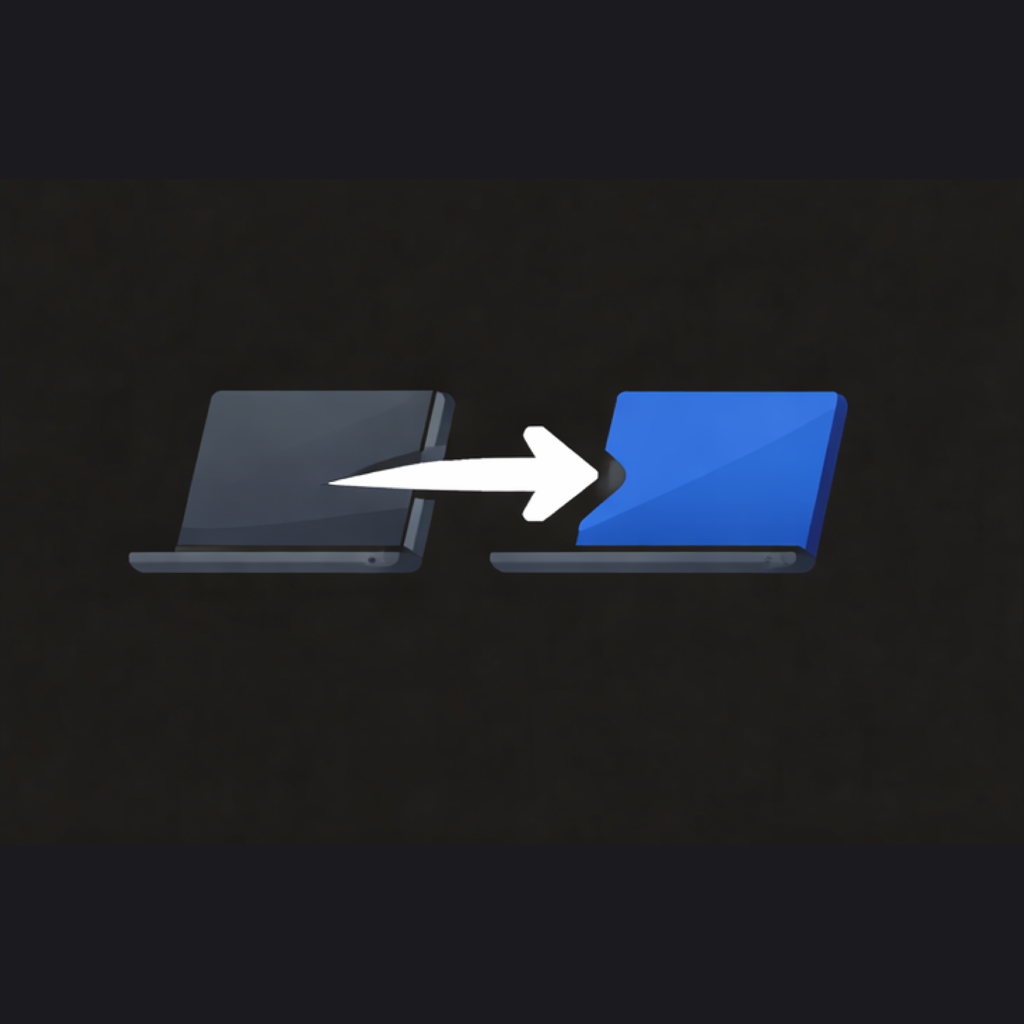
User runs shft on both Macs. IT gets the migration log. No tickets, no white-glove sessions, no remote desktop.
Destination Mac already enrolled? shft detects managed accounts and rewrites every path in preferences and configs. jsmith becomes john.smith cleanly.
Homebrew, dotfiles, shell configs, version managers, dev directories — scanned, migrated, and itemized. Engineers get a checklist of exactly what to verify.
Everything that matters
Six categories. Scanned, sized, and previewed before a single byte moves.
Documents, Desktop, Downloads, Pictures, Music, Movies, and any custom folder in your home directory.
~/Documents · ~/Desktop · ~/Downloads
Settings and support files for every app. Compatibility-checked against the destination first.
~/Library/Preferences · ~/Library/Application Support
Bookmarks, history, and extensions from Safari, Chrome, Firefox, and Arc.
Safari · Chrome · Firefox · Arc
Dock layout, Finder preferences, keyboard shortcuts, accessibility settings.
Dock · Finder · Keyboard · Accessibility
Passwords, certificates, and secure notes. AES-256-GCM in transit. Never written to disk unencrypted.
Passwords · Certificates · Secure notes
Homebrew, dotfiles, shell configs, version managers, and dev directories. Engineers get a post-migration checklist.
brew · .zshrc · ~/.ssh · nvm · ~/dev
One installer, same on source and destination.
shft discovers the other Mac over your local network.
Pick the categories you want — shft handles the rest.
Built for IT
Native macOS. Zero third-party dependencies. Configurable from your MDM.
Pairing derives a 256-bit session key. TLS uses EC P-256 with certificate pinning. Every chunk verified by SHA-256.
Sixteen keys in the com.shft.config profile let admins cap categories, sizes, connection types, and time windows.
A per-device migration log POSTs to your endpoint when the transfer completes — categories moved, sizes, duration, and an engineering tools audit.
Ready when you are
Buy a license, run shft on the old and new Mac, walk away.